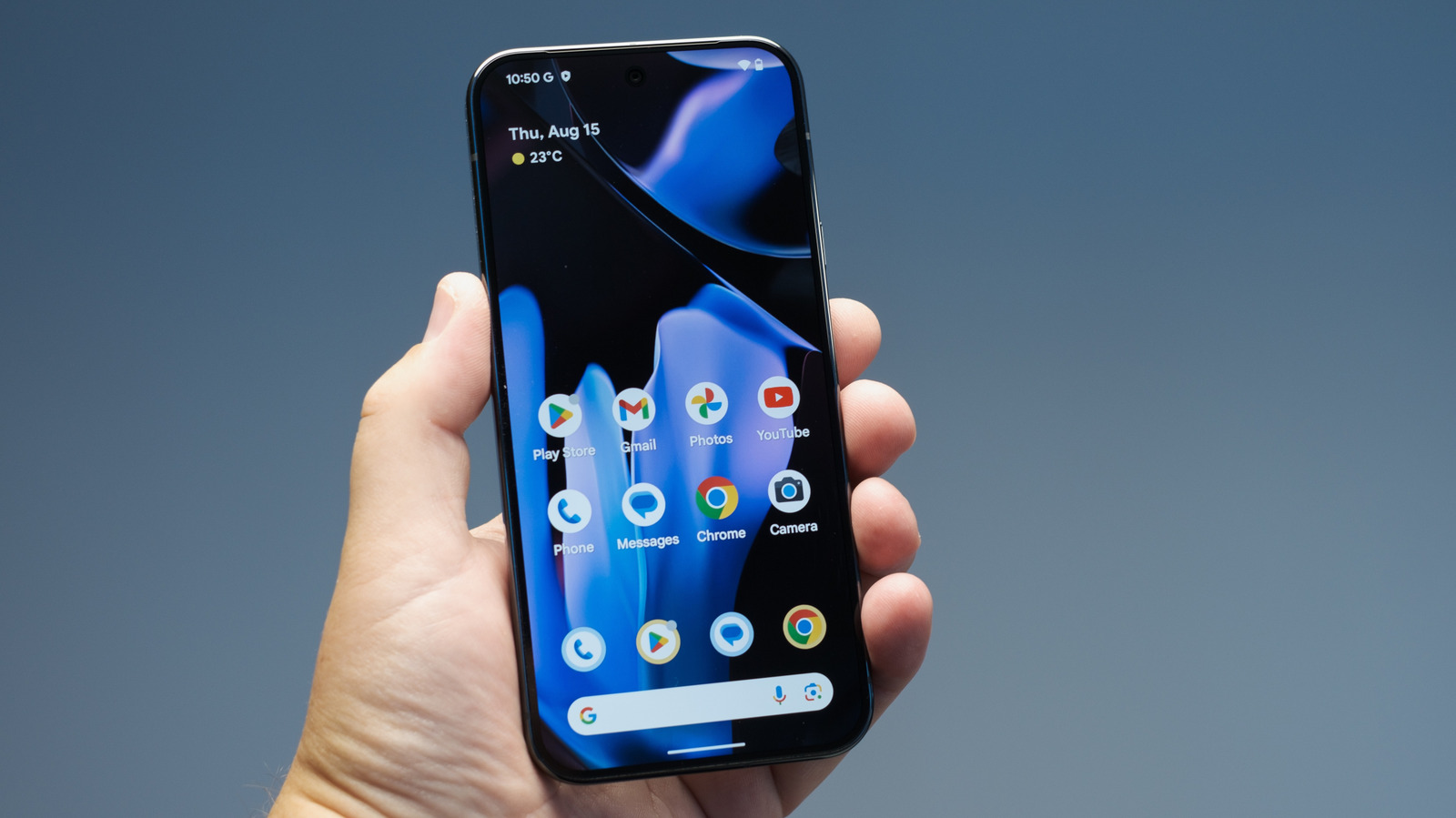
Some novelists, poets, researchers and other writers are choosing to digitally self-publish their works as electronic books or "e-books." With the popularity of devices such as Amazon’s Kindle, Barnes & Noble’s Nook, Apple’s iPad, and other e-readers and tablet PC’s, sales of e-books are increasing making this a great alternative to publishing via an established publishing company. And if you are eco-conscious, some argue that e-books and readers may have a smaller carbon footprint that traditional print books.
Some key things to remember if you are publishing an e-book:
- Take time to edit your work, just as an editor at a publishing company would do.
-
Format your e-book file properly before uploading to your e-book vendor for a clean, professional look. Also, you may have to create different formats (HTML, Word document, PDF, ePub) of your e-book if you use multiple vendors - do research to find out the best format for each vendor.
- For Microsoft Word files, be sure to remove any headers, footers and page numbers in your file. Then create a Table of Contents for your file, preferably one that is "clickable" and will take readers directly to a desired section of your e-book.
- Word documents are not edit-proof and can be transferred to other computers so we recommend that you convert files created in Word to PDF format before issuing as an e-book. Try Abode's free PDF converter (limit of 5 files) or download a free printer driver such as PDF995 that allows you to print your documents as PDF files.
- The quality and capabilities of e-readers varies widely so keep graphics and font styling simple to ensure that all readers can view your content as intended.
Amazon has a great video tutorial on how to publish to Kindle.
The CreativePenn.com offers tips on publishing for the iPad, here.
Check out ABC News’ coverage of authors who have self-published e-books.

See also:
- Barnes & Noble's PubIt self-publishing platform goes live
- 6 Ways to Publish Your Own Book - Blurb.com is mentioned as one of the sites that allow you to upload posts from your blog and publish them as a book.
- How Writers Can Turn Their Archives into eBooks
- The Reinvention of Print, One App at a Time
- Friday Project releases e-book ahead of print
- 200 Bloggers, 200 Books, 56 Publishers And One Hour - On Nov 10, at 1p.m., 200 bloggers will simultaneously publish reviews of 200 books printed on eco-friendly paper to raise consumer awareness about considering the environment when making book purchases. Participation this year has doubled from 2009.